Sharing Your EKG With Your Doctor: What to Know



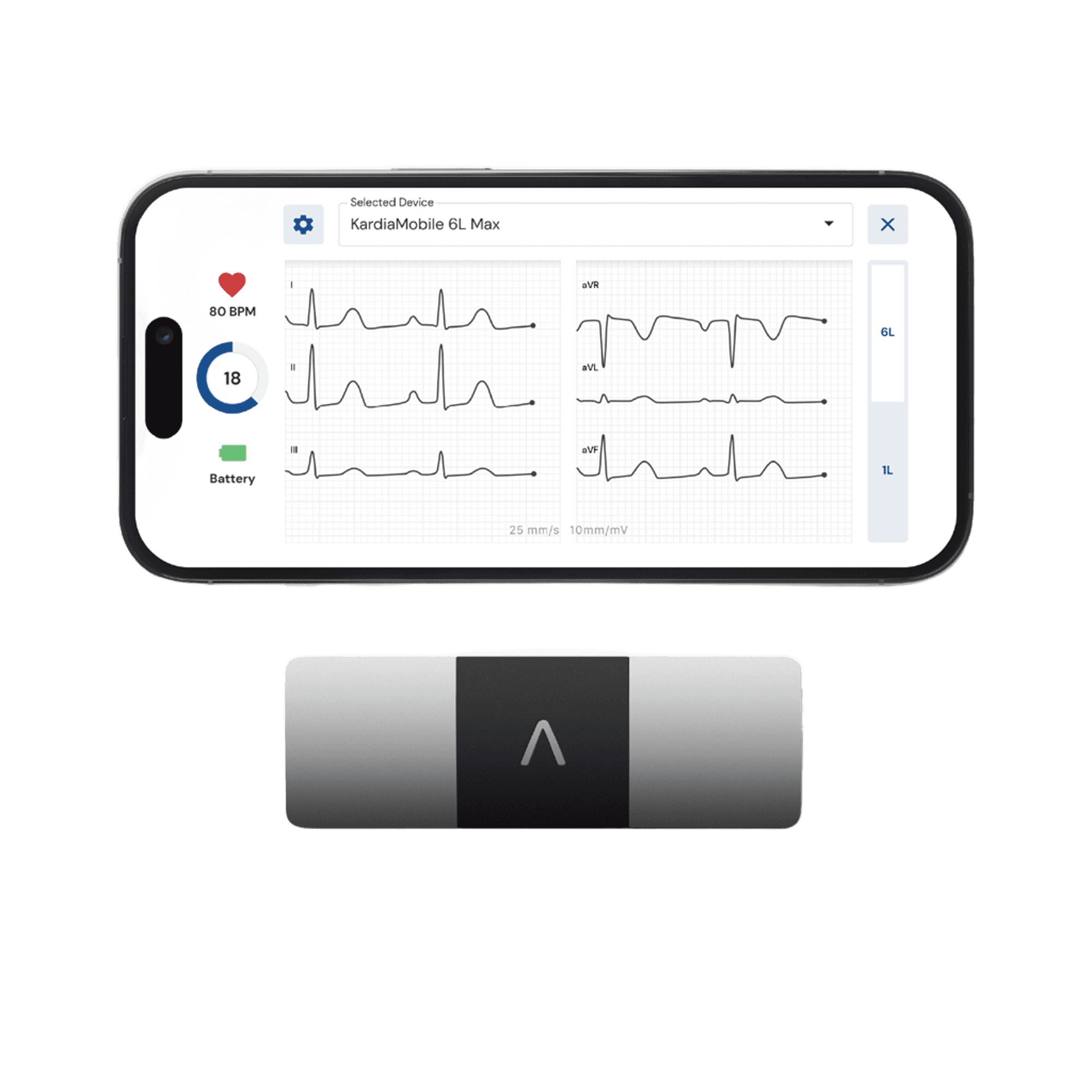
Knowing your EKG results over time gives your doctor valuable information that can help guide your treatment plan. With Kardia, you can take your EKG between appointments, especially in the moment you feel anything “off” with your heart. Now, instead of trying to describe what you felt, your EKG can show the doctor what your heart was doing in that moment. Kardia personal EKGs allow you to capture your heart rhythm in seconds with a medical-grade EKG, right on your phone. Here’s how—and why—to share your EKGs with your doctor using Kardia.
When Should You Send an EKG to Your Doctor?
Your doctor can help you decide when and how often they would like you to record and share EKGs. If they have asked you to monitor your heart rhythm at home, sharing recordings may give them additional information about what was happening at a particular moment. You may also want to record and share an EKG when you notice symptoms such as:
- Heart palpitations
- Fluttering in your chest
- Skipped beats
- A rapid heartbeat
- A slow heartbeat
- Dizziness or lightheadedness
After you take your EKG with Kardia, you can add custom tags or notes with your recordings. For example, if you were feeling dizzy or if you were hungry or just had a big cup of coffee, tag these notes to the EKG in the app so you don’t have to rely on memory later. How frequently you should record or send EKGs depends on your health and your doctor’s recommendations. Some people may be asked by their doctors to record regularly, while others may be asked to capture an EKG when certain symptoms occur. Often, sharing records before an appointment can be helpful for a doctor who may want to review them with you, but it’s a good idea to discuss this with your medical team. Kardia personal EKGs are not a substitute for medical care, and an EKG result should not be used to diagnose yourself or make decisions about medications or treatment without the support of a physician. If you have severe symptoms, including chest pain, fainting, severe shortness of breath, or signs of a heart attack or stroke, seek emergency medical care rather than waiting for your doctor to review an EKG.
How to Email an EKG Using the Kardia App
Once you have taken an EKG with your Kardia device, the recording is available in your EKG History. From there, you can download it as a PDF and choose the sharing method that works for you and your healthcare provider. The basic steps for sharing an EKG are:
- 1. Record an EKG.
- 2. From the results screen, tap the download button (down arrow in top right).
- 3. Once downloaded, select the Share button on the bottom left (on iOS) and choose email.
- 4. Type in your doctor’s email address, or whomever you wish to share your recording with. Be sure to verify the recipient's email address before sending your EKG.
Other Ways to Share Your EKG
Upload the EKG to Your Patient Portal
If your healthcare provider uses a patient portal that accepts attachments, you can download your EKG as a PDF from the Kardia app, save it to your phone or tablet, and upload the file through the portal.
Bring your Phone to Your Doctor Appointment
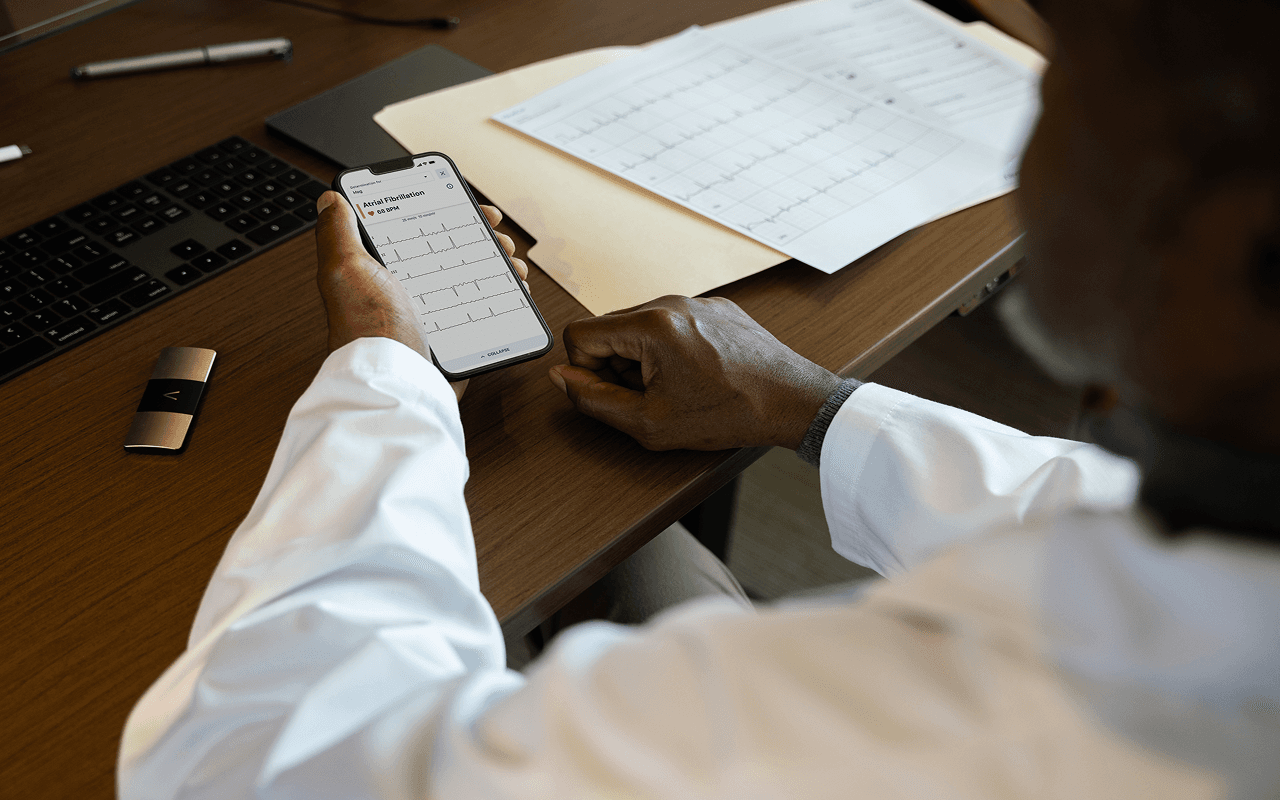
It’s so simple that it’s easy to forget that you can just show your phone to your doctor. Tap on History and then View EKG History. Simply scroll down to see all your EKGs in one place.
Print the EKG
Sometimes there’s no substitute for an old-fashioned printed piece of paper. After downloading your Kardia EKG as a PDF, you can use your device’s printing functionality to print the recording and bring it with you to your next appointment.
Notify Your Inner Circle
KardiaCare members can use Inner Circle to automatically share their EKGs through emails with family members or caregivers. This can help keep people you trust informed about your heart health.
Clinician Review
With a Clinician Review, you can send your EKG to a board-certified cardiologist for evaluation. They will review your EKG remotely and send a report back within hours—all available in the Kardia app. Clinician Reviews are available as a paid service, and KardiaCare members receive 4 complimentary reviews per year as part of their membership. You can send your EKG for review from the result screen immediately after recording (tap “more actions”) or via the Services tab. This option may be helpful when you want an expert to take a closer look at your EKG quickly.
What Information Should You Include with Your EKG?
When you share an EKG with your doctor, a little extra context can help them better understand what was happening at the time of the recording. Instead of sending the EKG on its own, consider including details such as:
- The date and time you recorded the EKG
- Any symptoms you were experiencing
- What you were doing when your symptoms began
- Approximately how long your symptoms lasted
- Any medications you were taking at the time
- Any specific questions you’d like your doctor to answer
For example, noting that you recorded an EKG after noticing heart palpitations while sitting at your desk provides more context than the recording alone. Through custom notes in the Kardia app, these details are easy to document and can make it easier to discuss specific recordings at future appointments.
Tips for Recording a High-Quality EKG
A clear EKG recording can make it easier for your doctor to review your heart rhythm. Movement, talking, or improper device placement can interfere with the recording, so it’s important to follow the instructions for your Kardia device. For the best possible recording:
- Sit in a comfortable position and remain still while recording.
- Keep your fingers steady on the device, with light touch.
- Avoid talking or moving until the recording is complete.
- Follow the instructions for your specific Kardia device to make sure it is positioned correctly. (Note: a 6-lead EKG requires different placement than a 1-lead EKG)
- If possible, take an EKG while you’re experiencing the symptoms you want to discuss with your doctor.
Frequently Asked Questions
Can I email an EKG to my doctor?
Yes. You can download a Kardia EKG as a PDF and share it by email if your healthcare provider accepts EKG reports that way. Before sending your recording, ask your doctor’s office which email address to use and whether email is their preferred method for receiving health information. Some providers may prefer that you use a secure patient portal instead. Before uploading your EKG, check whether your provider has specific instructions for what information to include with it.
Can I send an EKG through MyChart or another patient portal?
In many cases, yes. Many healthcare systems allow patients to upload PDF files through MyChart or another secure patient portal. You can download your Kardia EKG as a PDF and upload it if your provider’s portal accepts attachments. Features vary by healthcare system, so check with your provider if you’re unsure.
Should I send every EKG I record?
Not necessarily. How often you send your EKG recordings depends on your heart health and your doctor’s guidance. Your doctor may ask you to share recordings taken when you experience certain symptoms, at specific intervals, or before an appointment. Follow the monitoring plan your healthcare provider recommends for you.
Will my doctor automatically receive my Kardia recordings?
Not with the Basic Kardia app. You’ll need to choose the EKG you want to share and send or upload it using your doctor’s preferred method. KardiaCare members can set up automatic EKG sharing by email, including to a doctor. Before setting this up, ask your doctor if they are willing to receive your EKGs this way and which email address you should use.
Can I print my EKG report?
Yes. You can download your Kardia EKG as a PDF and print a copy. A printed report can be helpful if your doctor has asked you to bring specific recordings to an appointment, or you want to review an EKG together during your visit.
Can I add custom notes to an individual EKG?
Yes. The Kardia app allows you to add custom notes to individual EKG recordings. You can use these notes to keep track of how you were feeling or what you were experiencing at the time of the recording. That way, you don’t have to rely on remembering those details later when you share the EKG with your doctor.
Can an at-home EKG replace a doctor or provide a definitive diagnosis?
No. An at-home EKG does not replace your doctor or provide a definitive diagnosis. A Kardia EKG records your heart rhythm when symptoms occur, giving you information you can share with your doctor. Your doctor can review your EKG recordings along with your symptoms, medical history, and other health information to determine the best care plan for you.
Keep Your Doctor Informed Between Visits
With Kardia, you can record an EKG when symptoms occur and easily share your heart rhythm information with your doctor. You can send a PDF via email, upload it to your patient portal, or simply pull up your EKG History in the Kardia app and show your recordings to your doctor during an appointment. Having a personal EKG can also help you capture heart rhythm information when you’re away from your doctor’s office. This can be especially useful when changes in your heart rhythm are intermittent or difficult to capture during an appointment. By recording an EKG when symptoms occur and noting what you were experiencing at the time, you can provide additional context for your healthcare provider to review the EKG and discuss it with you.
Explore KardiaMobile devices and find the right option for you.